Gate
Boolean logic — AND, OR, NOT, XOR — on two inputs, or up to eight.
Output: boolean
Inputs
| Handle | Type | Meaning |
|---|---|---|
| a | boolean | first condition |
| b | boolean | second condition (ignored by not) |
| c … h | boolean | extra conditions, added with + input (since 1.27) |
Unwired a and b use the card values.
More than two inputs
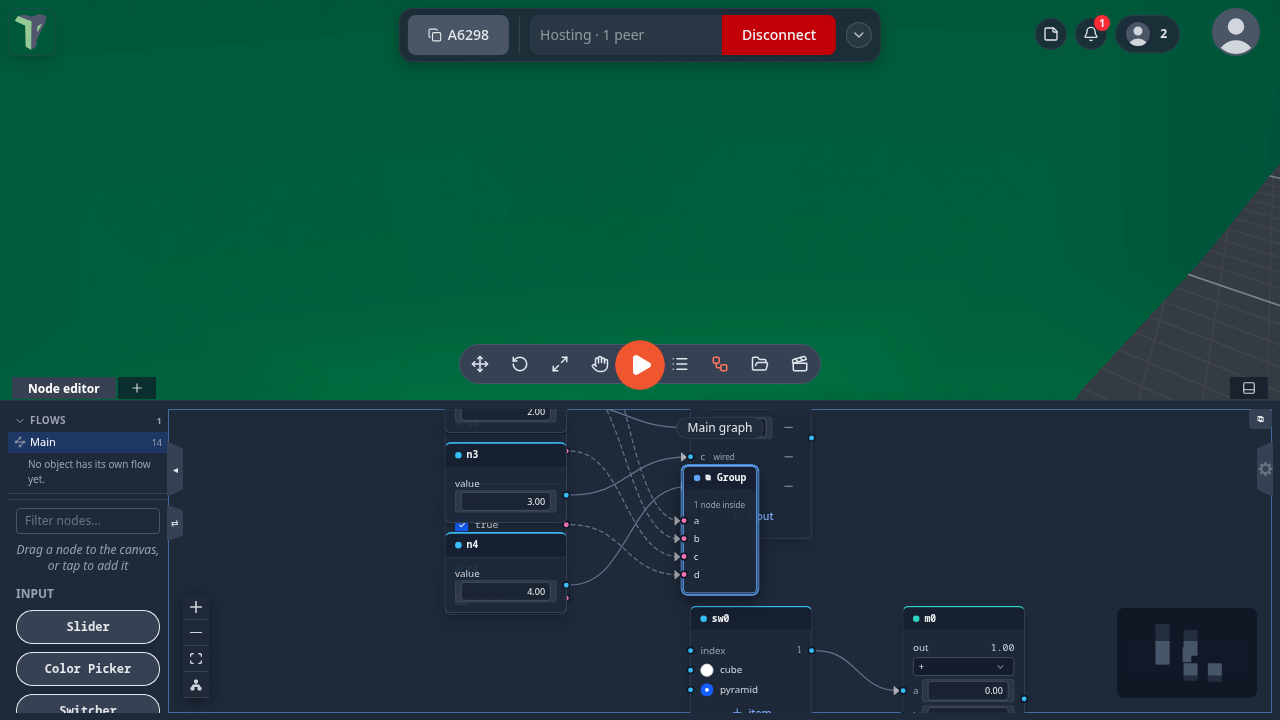
Since 1.27 Gate takes up to eight inputs, named a to h. Press + input on the card to add a socket, and − on a row to remove that socket.
| op | With more than two inputs |
|---|---|
and |
true when all wired inputs are true |
or |
true when any wired input is true |
xor |
true when an odd number of wired inputs are true |
The extra inputs c to h have no value of their own: an input with no wire is skipped. Removing a socket moves the wires after it down one name (removing b turns c into b), one Ctrl+Z puts it all back, and groups around the node update their sockets too. Compare stays two-input.
Parameters
| Parameter | Default | Options |
|---|---|---|
| op | and | and, or, not, xor |
Practical example
A door that opens only when both pressure plates are occupied:
- Set up two Proximity nodes, one per plate (each fed by two Object Selectors).
- Add a Gate (op
and); wire the Proximities into a and b. - Wire Gate → a Visibility node's on input, then Visibility → an Object Selector targeting the door barrier — the barrier shows only while both plates are active. Flip the Gate to
orfor either-plate behavior.
Tip
not is a simple inverter: it looks only at a and ignores b entirely — handy right before a Visibility to turn "near" into "hide".