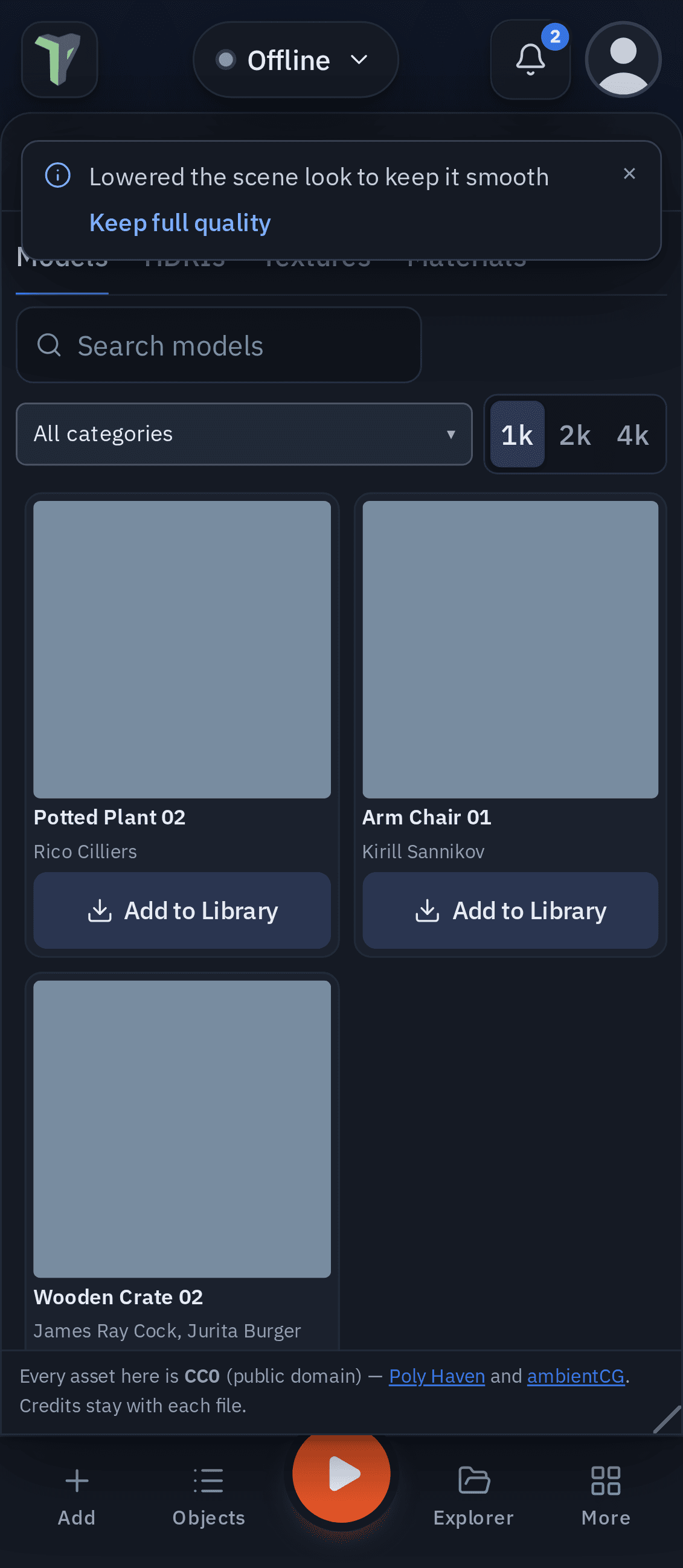
Free Assets (CC0)
The Asset Browser (1.38) brings free, public-domain (CC0) assets straight into your project: models, skies (HDRIs) and texture sets from Poly Haven, and PBR materials from ambientCG. No account, no key, no attribution required — the app still keeps each asset's credit for you.
Where: main menu ▸ Free assets (CC0), or + Add ▸ Free assets (CC0)…. It is a floating window that can dock like Statistics or Chat (drag it onto the dock, or the dock's + ▸ Free assets). On a phone it opens as a bottom sheet.
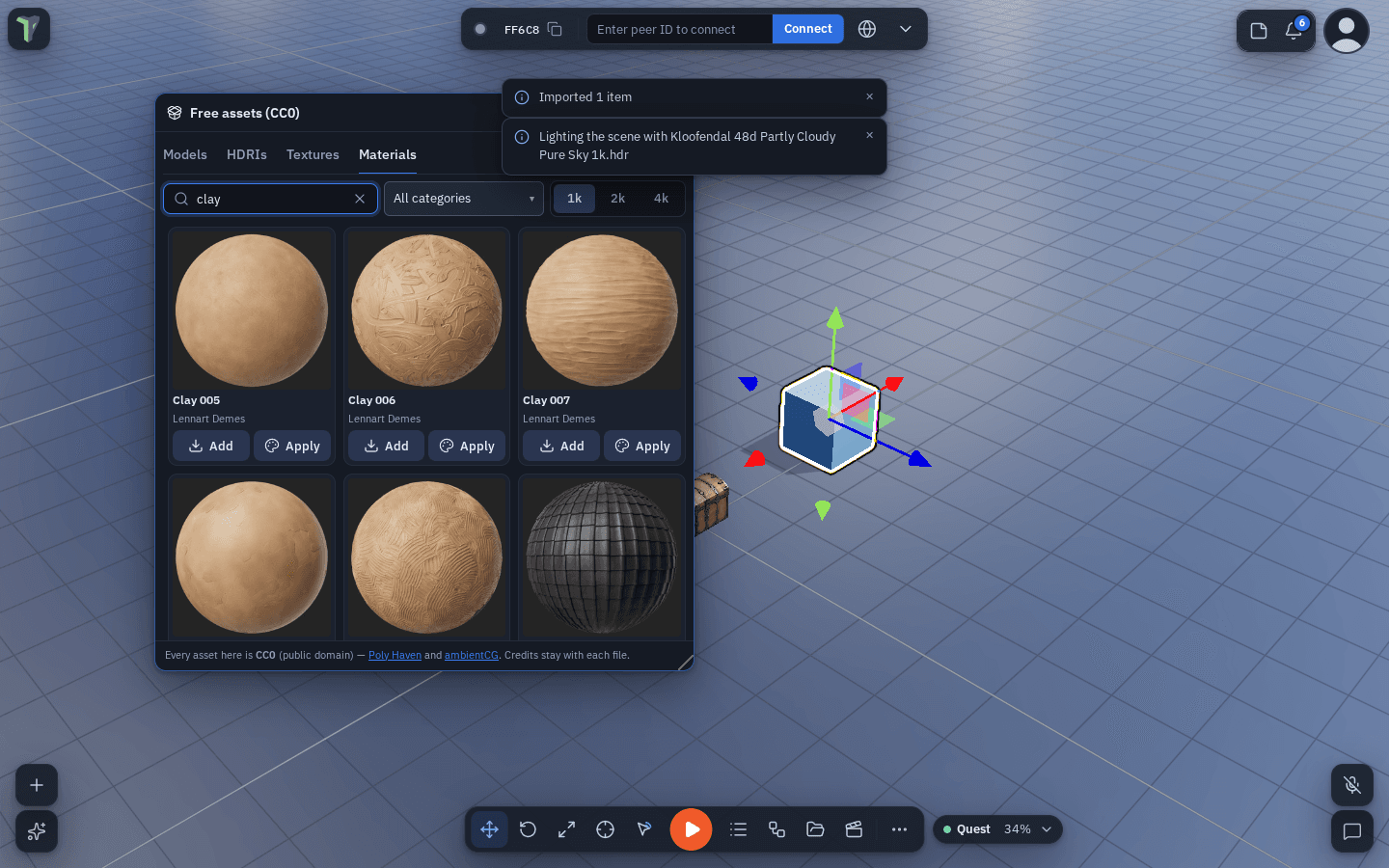
Finding an asset
- Pick a tab — Models, HDRIs, Textures, Materials — then search by name or tag and narrow by category.
- Pick a resolution: 1k (the default on a Quest or a phone), 2k (the desktop default) or 4k. Bigger files take longer to download and to reach the people in your session.
Bringing it in
- Models — Add to Library downloads the model at that resolution, packs it into one
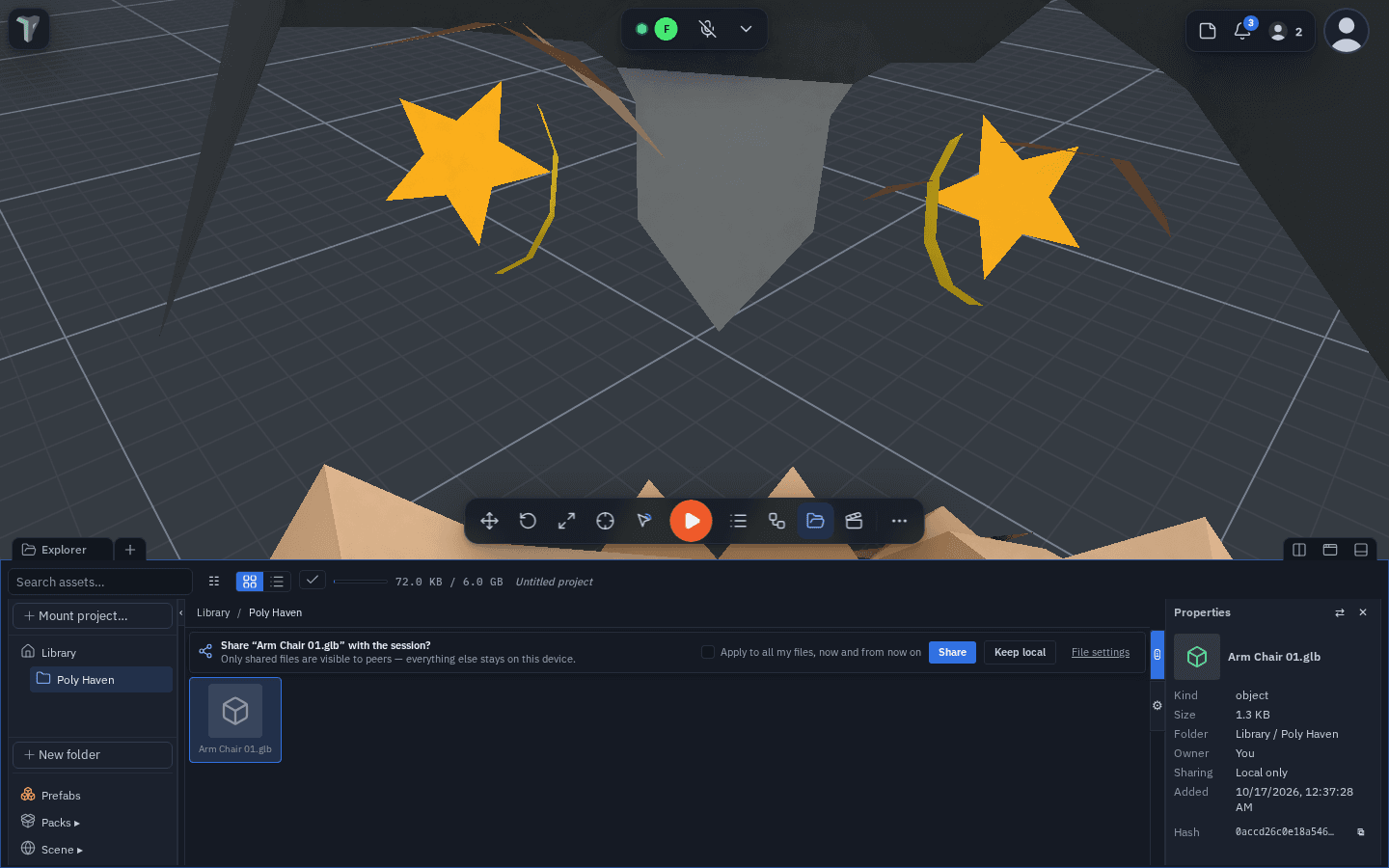
.glband adds it to the Explorer's Poly Haven folder through the same import as dropping a file there — so a big one is optimized on import like any other. Then Add to scene, or drag it from the Explorer. Everyone in the session sees it. - HDRIs — Use as sky downloads the
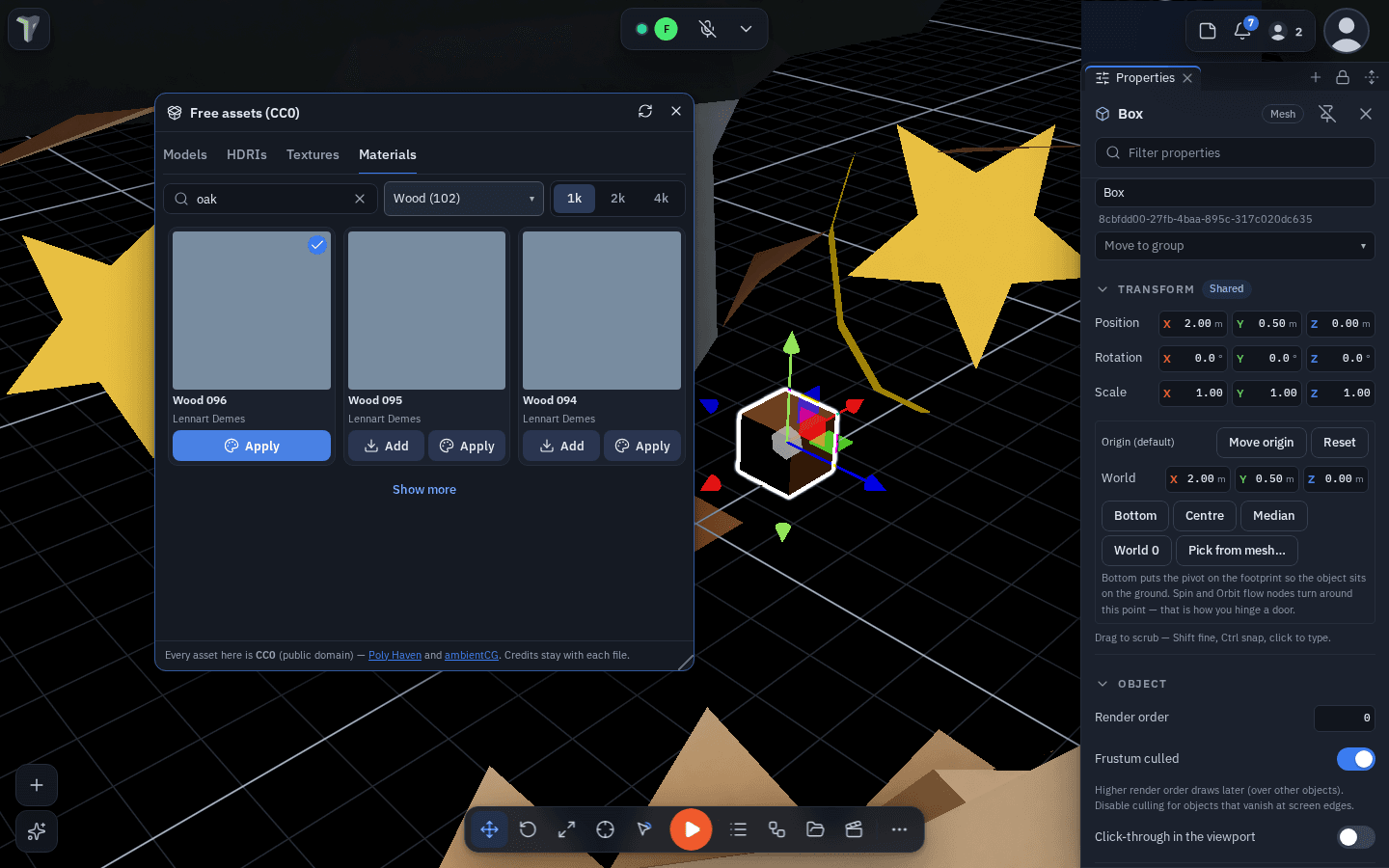
.hdrinto the Library and lights the scene with it (Configure Scene ▸ Environment ▸ Sky image shows it too). It reaches everyone like any sky. - Materials and textures — Add saves it to your material presets (the Inspector's Material swatches); Apply also puts it on the selected objects. Colour and normal maps are kept; roughness and metalness come from their maps.
Credits
Every download keeps its source — site, authors, licence (CC0) and a link. You see it in the Explorer's Properties, in the Inspector for a placed object or a CC0 material, and on the material swatch's tooltip. A model carries it inside the file, so a peer's copy — and the optimized copy the importer makes — has it too.
Offline and errors
Lists you have opened are saved on this device (for a day), so the browser still shows them offline — a banner says when it is showing a saved list. Downloads need a connection; when a site or the ambientCG relay does not answer, the window says so in plain words and offers Try again.
Limits
- A Library file is at most 25 MB (what peers can receive): a model bigger than that at the picked resolution is refused with "Pick 1k".
- ambientCG is reached through theprototype.app's own relay (its site does not let browsers read it directly); Poly Haven is reached directly.
- Since 1.39 a large CC0 material preset (its colour and normal maps can be several megabytes) reaches every connected person's From ‹name› swatch row too: it arrives in the background a few seconds after they connect (or after you save it), and travels only once.