Race
A racing game for up to four players: a circuit in a valley of mountains, four cars, three laps. The first driver across the line after every lap wins; everyone else gets 30 seconds to finish. It works with one player too.
Templates ▸ Games ▸ Race. Race is built into the app — it needs no module.
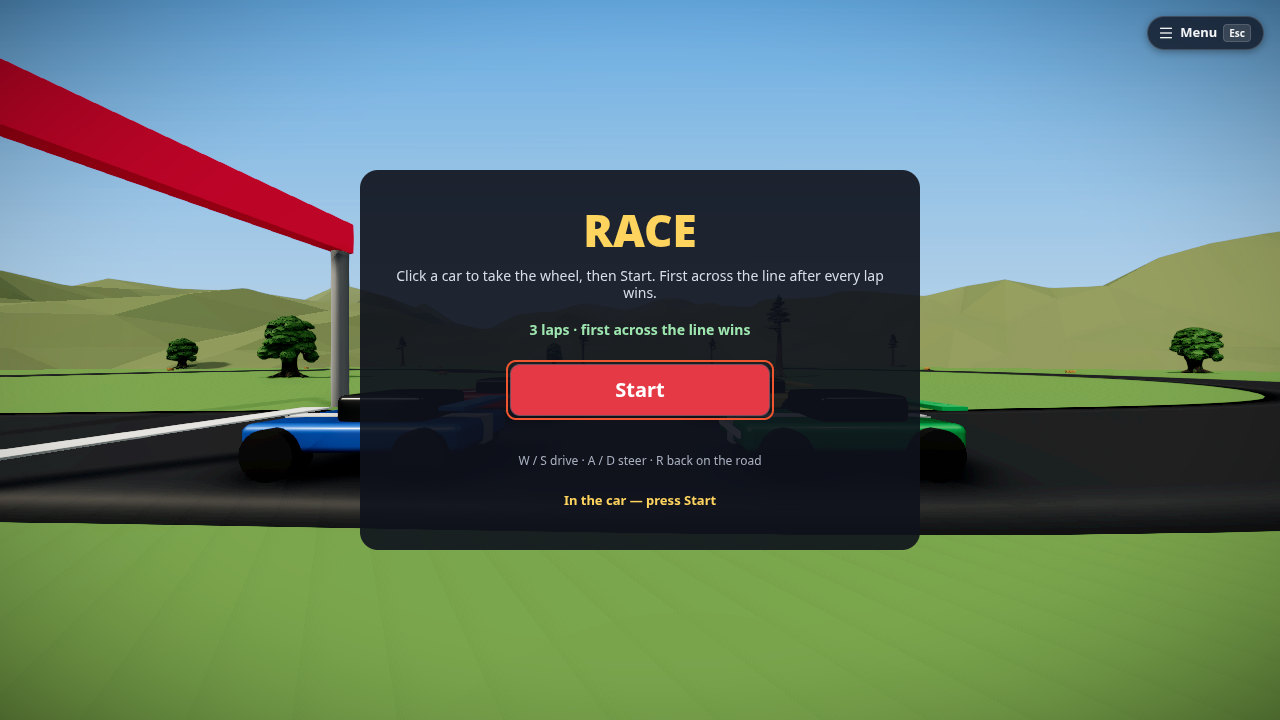
How to play
- Press ▶ Play (the simulation starts by itself).
- Click a car to take the wheel. Players still on foot when the race starts get a free car.
- Press Start. A 3-2-1 countdown, then go.
-
Drive:
Key Does W / S drive / brake A / D steer R puts you back on the road where you are
The HUD shows your lap, the race clock, the current lap time, your position and your best lap. The results screen lists everyone's laps; your best race and best lap are saved on this device.
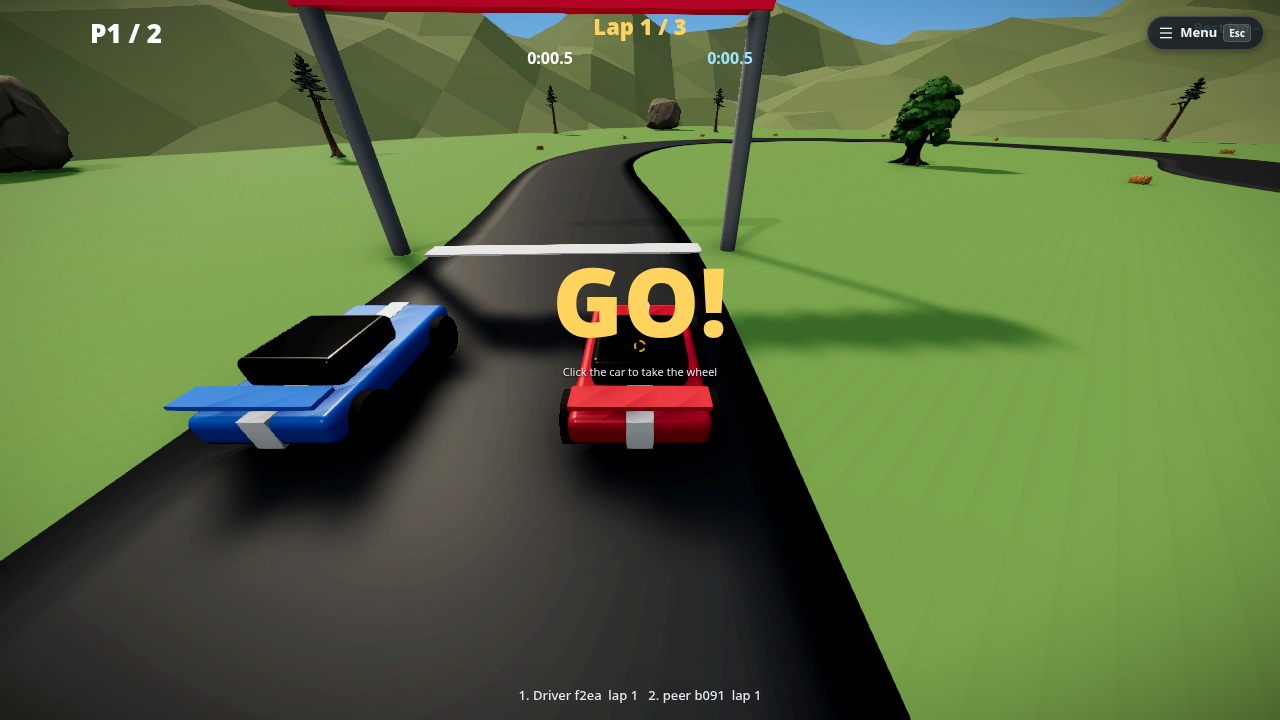
A lap only counts when you have driven all of it
Cutting across the infield, or reversing back and forth over the line, counts nothing: the game follows your progress along the road, not the line alone.
On a phone
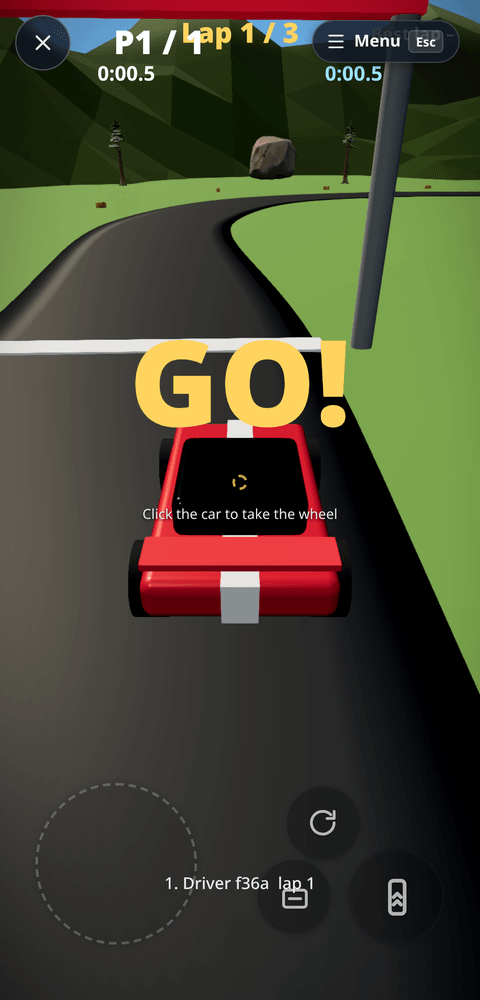
Race plays on a touch screen: once you are in a car, the touch controls change to pedals.
- The stick (bottom left) steers; push it up to drive.
- Gas is the big button under your right thumb, Brake sits beside it, and Reset puts you back on the road (the R key).
- On foot you get the normal walk controls; tap a car (or press Start) to take the wheel.
The usual Settings ▸ Touch controls apply (visibility, haptics), and you can move the pedals from the pause menu ▸ Touch controls. The pedals are on / off, like keys, so the throttle is not analogue on a phone.
In VR
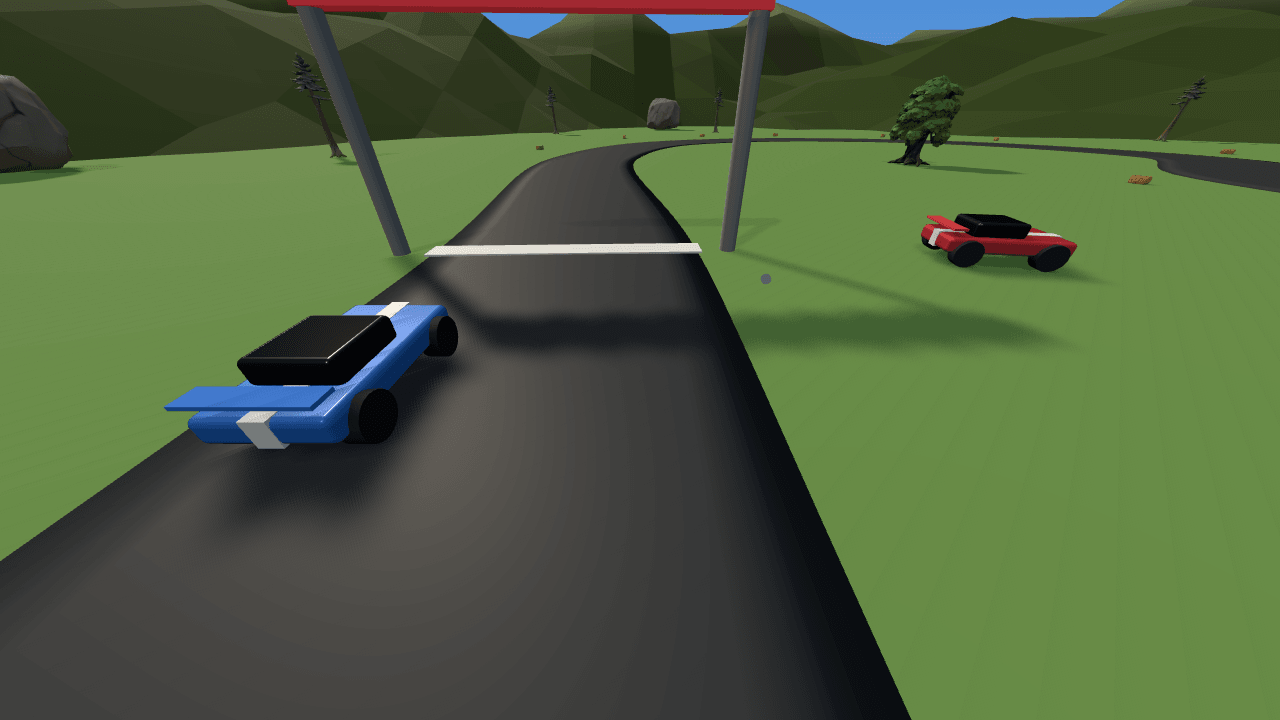
In a headset you sit in the car. Your view rides with it, turning with the car but never tilting the horizon, and the left stick drives and steers. Walking, snap turn and teleport are off while you drive. When the race ends (or you leave Interact) you step out beside the driver's door.
The game's comfort vignette (Game settings ▸ Comfort) also applies while driving.
Make it yours
Everything the race runs on is on the Main graph (node editor, N — see Main graph):
- Race rules node: laps, countdown seconds, top speed, acceleration, braking, turn rate and grip. Change a number and the next race uses it.
- The road is a spline (
Race road): move its points with the spline tool and the starting grid, the lap counting and the "back on the road" reset all follow. There are no gates to re-place. - Finish line is a sensor: its On Enter node beeps; wire it to anything — particles, a sound.
- Race info nodes feed the HUD texts (lap, clock, lap clock, position, best, countdown, status, standings, result); the Leaderboard node shows the laps on the results screen.
- The mountains are one parametric Terrain (Inspector ▸ Geometry: seed, height, detail…), painted grass, rock and snow.
Limits
- The cars are arcade cars (one body, they cannot flip). They drive on the flat valley floor and can climb the mountain slopes a little.
- On a phone the throttle is on / off. In a headset the eye point is fixed just above the cabin roof.